Learning Objectives:
- Create a team and add/remove users
- Set global configurations (data deletion, MFA, share session view, consent pop-up)
- Share templates across your team
- Centralise billing
- Troubleshoot common issues
Teams are currently available at the Pro, Together and Enterprise level.
Check your subscription tier via Settings > Account
1. Creating a team and adding users
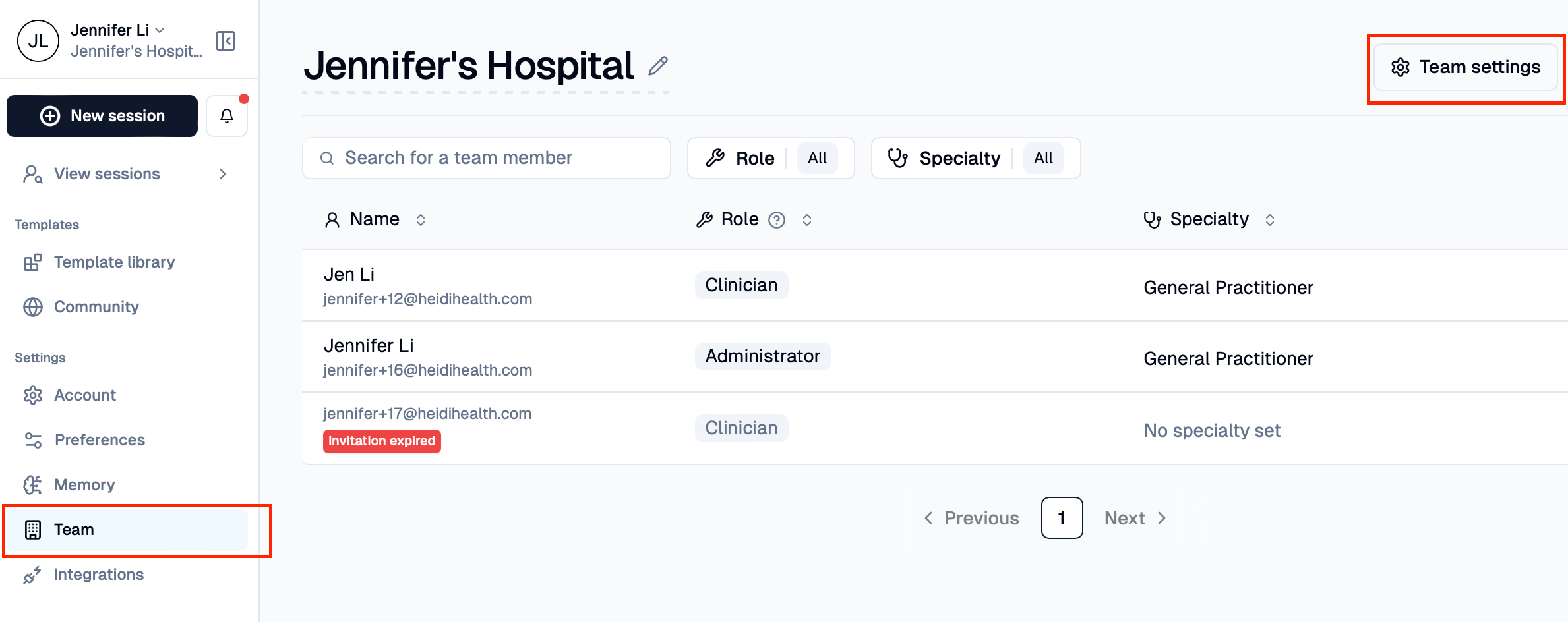
- Create your account and go to Settings > Team > Add team member
- Type in the user email, select their role and send invitation
- Make sure user has accepted invitation to successfully join
Tip: If you can't add a user, please reach out to our support team
2. Setting global configurations
Section Name: BlockImage